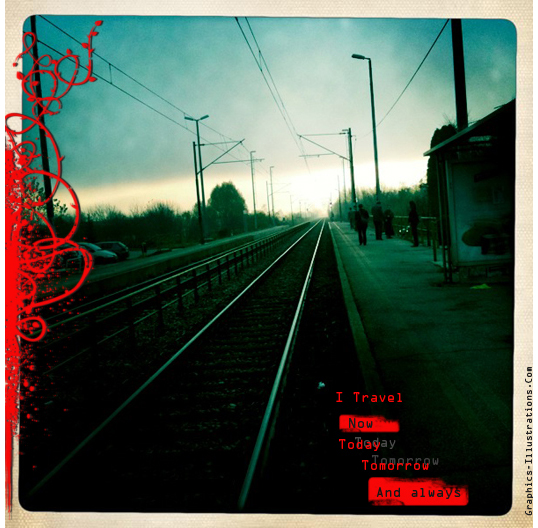
I travel
(This post is written by guest writer and my hubby – Darijan who helps me in any way he can. Although he is an IT guy by profession – there is an artist inside of him, I tell you :))…

Your go-to source for an array of free downloads and a gateway to discovering fascinating images and creators. This category is a visual feast, designed to spark your creativity and offer endless inspiration through a carefully curated collection of images. From breathtaking landscapes and intriguing abstracts to innovative designs and artistic masterpieces, our gallery showcases a diverse range of styles and themes.
Whether you’re in search of high-quality images for your next project or looking to dive deep into the world of digital art and photography, this category has something to pique your interest.
(This post is written by guest writer and my hubby – Darijan who helps me in any way he can. Although he is an IT guy by profession – there is an artist inside of him, I tell you :))…
Few weeks ago, just before the sunset, Maneki showed up in front of my house. This yellow eyed cat just sat there and starred at me for a while. Then, she stood up and walked confidently towards me brushed against…

I’ve discovered a whole bunch of interesting stuff while packing for the removal (don’t we all)! But, when I run into the hand made diaries I made few years ago I just had to take a picture of them and…

Gang, I didn’t plan to make another post until my next Photoshop brushes set is finished. But, after I received an email from Kira I just could not wait to share this with you (after getting her consent of course).…

Hi Gang! Ii this post we will present one quick page sample from Carolyn. She used 5 different Photoshop Brushes sets: 1. Borders stencils set 2. Negative Films and slides 3. Photo Masks 4. Fantasy Birds and 5. Floral Branches…
Gang, I got one really interesting email the other day. One of our Gang members just got Smart car. And of course, she’d like to “pimp it up” with some nice graphics. So, she asked if I have any suggestions…
Gang, You just keep on surprising me with your creativity! And here is another great example of that! Applying Photoshop brushes on a photo. Tammy did it again 🙂 ! So, here is what happened. Recently, I got an email…

Ciao amici! (Now you know how to say “Hi, friends!” in Italian. That’s just in case you plan to visit Italy this summer 😉 ) So! As always, today again it is a great pleasure for me to announce yet…
Privacy Settings
This website uses cookies to improve your experience while you navigate through the website.
