
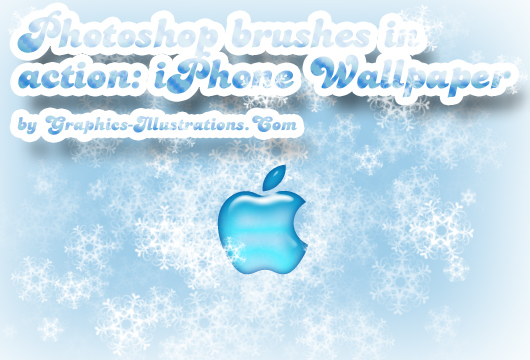
Gang!
Yet, another example of how to use Photoshop brushes.
In this post I created iPhone Wallpapers with Winter in Swirls Photoshop brushes set.
Feel free to download them and use on your iPhone.
If you’d like to take a peek on how it’s done, there is a video on the bottom on this post.


Winter in Swirls Photoshop Brushes set
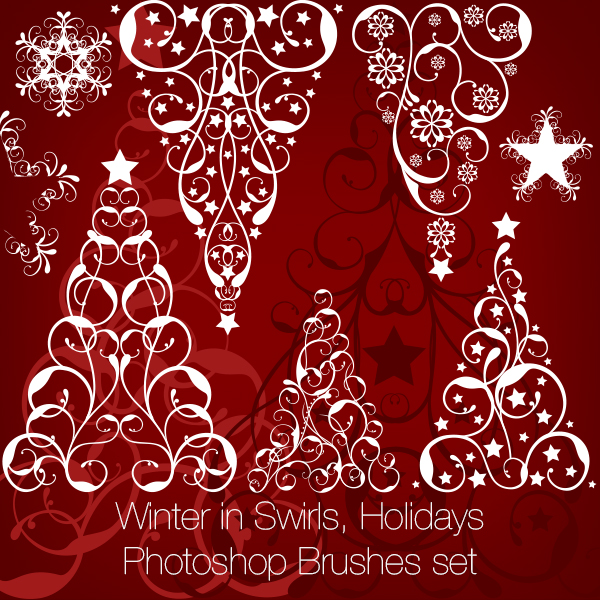
Winter in Swirls, Holidays Photoshop Brushes set features:
– 33+33+33 Photoshop brushes (three sizes)
– 33 transparent PNG files
– Compatible with Photoshop 7.0 up to CS5 and newer versions
– Compatible with Photoshop Elements 3.0 and newer versions
– Also compatible with PC/Mac
It’s of a highest quality, each brush comes in three different sizes so you don’t lose any quality when re-sizing!
And here’s short video tutorial on how it’s done (no audio, but the video should speak for itself):
If you want to something like this by yourself and need a logo here is the link: Brands Of The World
OK. I hope you enjoyed it. It was short but sweet.
Talk soon!
S 🙂
P.S.: Take a peek at the latest competition’s champ right here on Graphics-Illustrations.Com. Don’t miss our quick guide on crafting a Snowflake Photoshop brush – it’s quite the gem. And since you’re already exploring, why not drop by my FiveCatsGraphic Etsy shop? You’re in for a treat!




Great! Love my iPhone and all my Mac 😉
Thank you!