Table of Contents
Your camera is on.
The meeting starts in 30 seconds.
And behind you?
A wall with no personality. A mystery pile of laundry. A chair wearing three jackets.
Need a better background for your next video call?
I’ve gathered 100 free Zoom backgrounds across 7 themed collections so you can find the right look fast — whether you want professional, cozy, creative, elegant, or simply more interesting than your current wall.
Instead of endlessly scrolling through random images, you can jump straight to the style that fits your mood or meeting.
Quick Download Options
Browse all 7 collections below and download your favorite Zoom backgrounds individually — or grab full packs where available.
Why Use Free Zoom Backgrounds?
Because first impressions still exist — even online.
Before you speak, people already notice:
- your space
- your lighting
- your energy
- your attention to detail
A good background helps you control the visual story.
It can make you look:
- more professional
- more organized
- more creative
- more approachable
- more awake than you actually are
No judgment. We’re all improvising.
Why These Free Zoom Backgrounds Feel More Real
Many free backgrounds online look fake, blurry, or oddly distracting.
I created these collections to feel natural on camera. That means:
- realistic interiors
- clean composition
- good lighting
- balanced colors
- stylish without stealing attention
You should look better in the meeting — not disappear behind a chaotic background.
Professional Zoom Backgrounds
Need something polished for clients, interviews, presentations, or serious meetings? Start here.

Sleek & Stylish Downloads for Better Meetings
Modern interiors, clean lines, elegant rooms, and camera-friendly spaces designed to look sharp without trying too hard.
Perfect for:
- job interviews
- business meetings
- client calls
- presentations
- webinars
Collection: Free Zoom Background Images: Sleek & Stylish Downloads for Better Meetings
Cozy Home Backgrounds
Not every meeting needs corporate energy. Sometimes warm and human wins.

Cozy Zoom Backgrounds Free: 10 Warm Virtual Meeting Spaces
Soft lighting, inviting interiors, comfortable vibes, and spaces that feel friendly instead of robotic.
Great for:
- coaching calls
- community meetings
- remote teams
- casual work calls
- winter mood days
Collection: Cozy Zoom Backgrounds Free: 10 Warm Virtual Meeting Spaces
Living Room Zoom Backgrounds
Realistic, elegant, and versatile.

30 Free Living Room Zoom Backgrounds to Transform Your Meetings
These are ideal when you want a polished home look that feels believable and stylish.
Best for:
- daily work calls
- Teams meetings
- networking chats
- client conversations
- anyone tired of blank walls
Collection: 30 Free Living Room Zoom Backgrounds to Transform Your Meetings
Library Zoom Backgrounds
Want to look thoughtful, smart, or quietly impressive?
Bookshelves have entered the chat.

Library Zoom Backgrounds Free: Elegant Bookshelf Backdrops for Better Calls
Classic shelves, refined interiors, and timeless study vibes.
Ideal for:
- interviews
- teaching
- consulting
- study groups
- pretending you finished that long reading list
Collection: Library Zoom Backgrounds Free: Elegant Bookshelf Backdrops for Better Calls
Scandinavian Zoom Backgrounds
Minimalist. Bright. Clean. Calm.
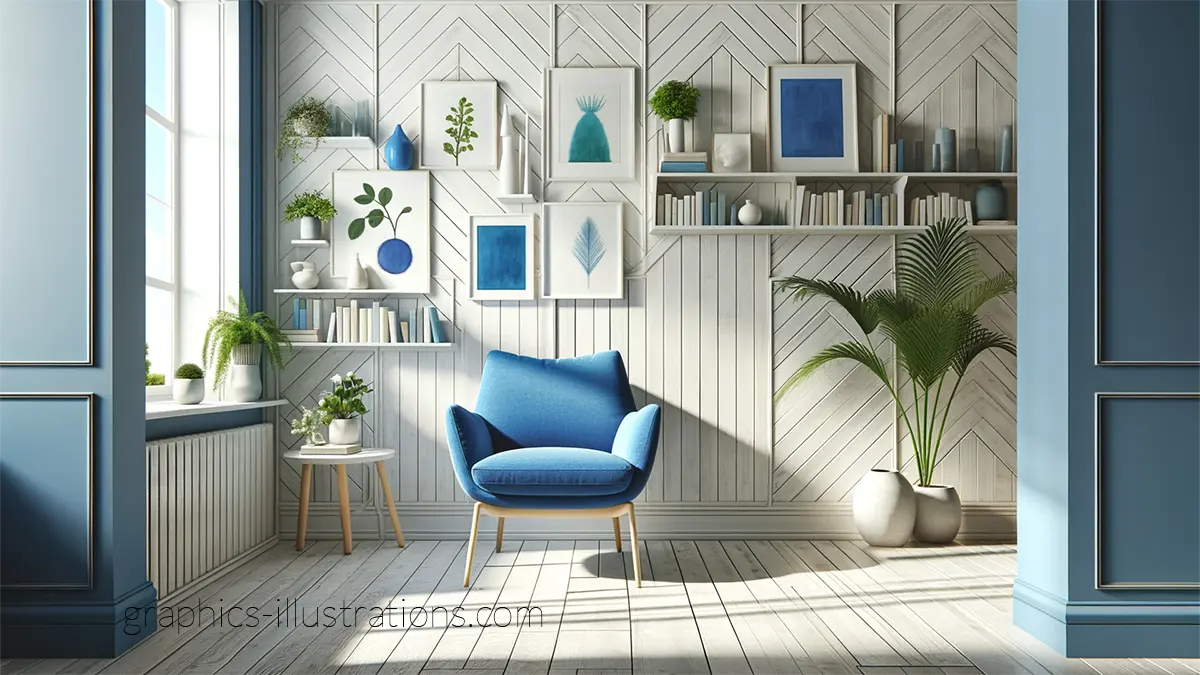
Zoom Backgrounds Free: 20 Minimal Scandinavian Designs
This collection is one of my most popular for a reason. It feels modern, elegant, and effortless on camera.
Perfect for:
- modern professionals
- design lovers
- startup meetings
- creators
- people who appreciate visual peace
Collection: Chic and Sleek: Free Zoom Backgrounds in Scandinavian Style
Creative Designer Backgrounds
Want something different? Something with personality?
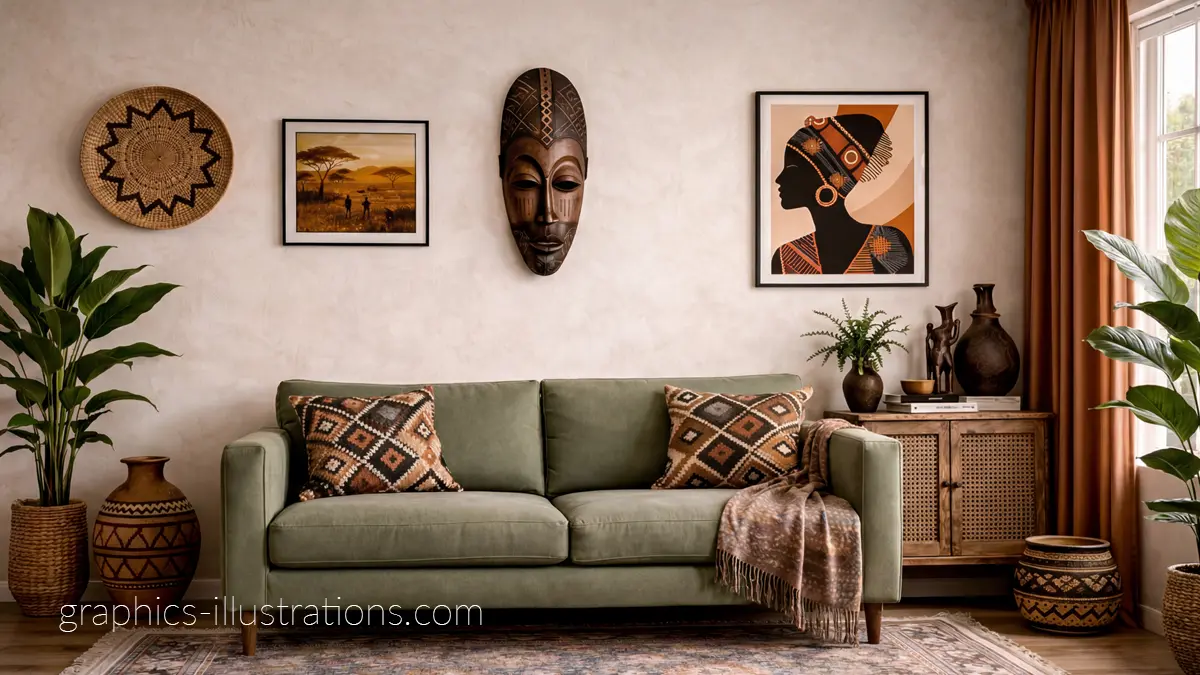
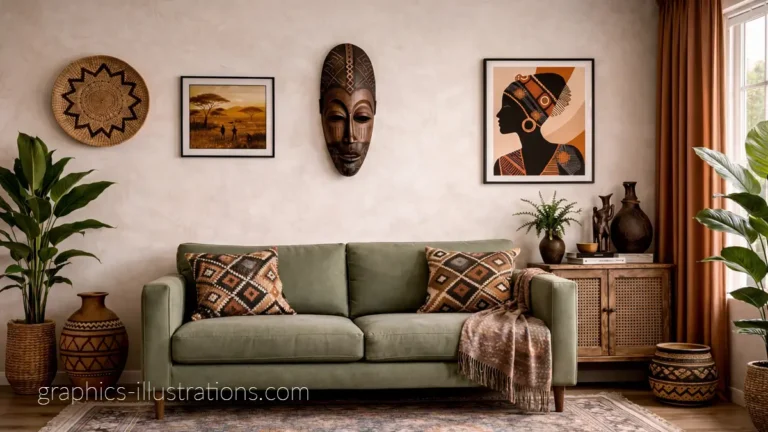
Afrohemian Zoom Backgrounds Free: 10 Warm, Designer Rooms
Rich textures, artistic styling, warm tones, and interiors with character.
Best for:
- creatives
- designers
- artists
- bold personalities
- calls that need energy
Collection: Afrohemian Zoom Backgrounds Free: 10 Warm, Designer Rooms That Make You Look Effortlessly Stylish
Seasonal & Fun Zoom Backgrounds
Sometimes meetings need less seriousness and more joy.
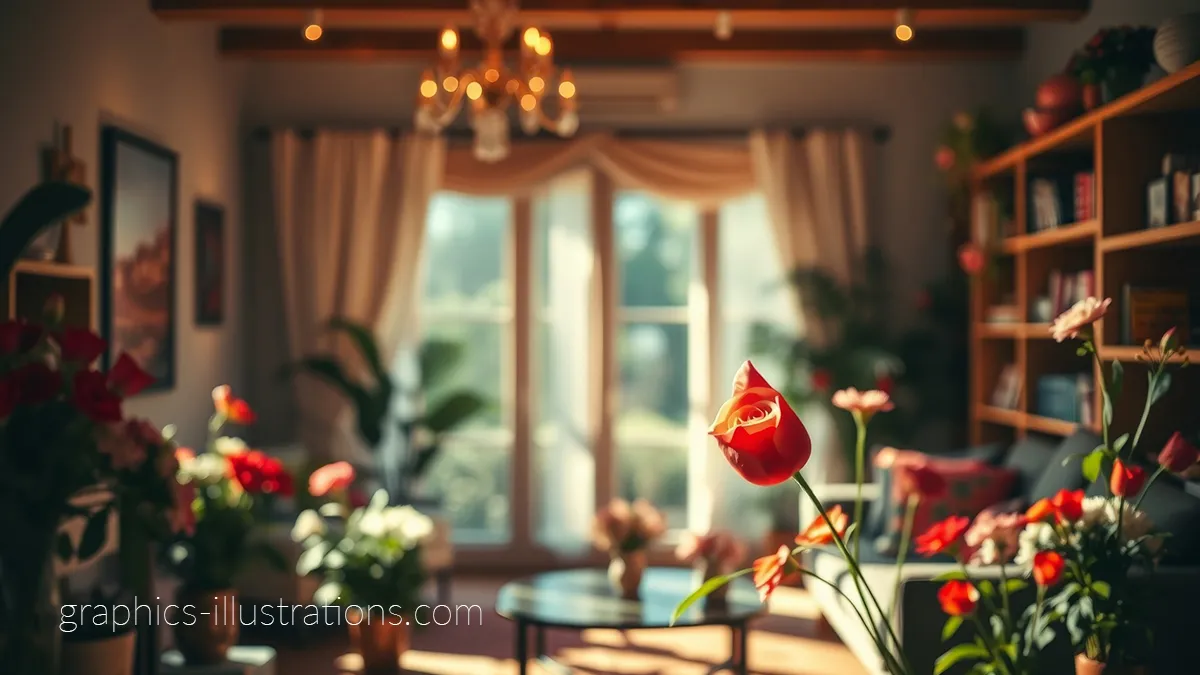
Valentines Day Zoom Background Images – Add Love to Your Virtual Meetings
Fun, playful, cheerful backgrounds for seasonal calls, themed events, or simply refusing to be boring.
Great for:
- seasonal campaigns
- team fun days
- social calls
- classrooms
- surprise morale boosts
Collection: Valentines Day Zoom Background Images – Add Love to Your Virtual Meetings
Which Free Zoom Background Style Fits You?
Not sure where to start? Here’s a quick cheat sheet.
- Job interviews: Library or Scandinavian backgrounds
- Client meetings: Sleek professional interiors
- Daily work calls: Living room backgrounds
- Creative meetings: Afrohemian designer rooms
- Friendly team chats: Cozy home backgrounds
- Seasonal fun: Valentines backgrounds
- Need calm energy: Beach and coastal scenes
The best free Zoom backgrounds are not just pretty — they match the mood of the meeting.
How to Add a Zoom Background
Never used one before? Easy.
- Download your chosen image
- Open Zoom
- Go to Settings
- Click Backgrounds & Effects
- Upload your image
- Enjoy your upgraded life choices
Many of these backgrounds also work in Microsoft Teams and similar video platforms.
What Makes a Good Zoom Background?
The best backgrounds are:
- clean but not empty
- interesting but not distracting
- bright enough for camera
- believable
- aligned with your personality or purpose
A giant neon disco cave may be fun.
A client pitch may need something calmer.
Choose accordingly.
My Honest Advice
Don’t overthink it.
You do not need the “perfect” background.
You need one that helps you feel comfortable and confident.
That matters more than trend-chasing or trying to look like a venture capitalist who lives inside a glass cube.
Frequently Asked Questions
Where can I get free Zoom backgrounds?
Right here. Browse all 7 collections on this page and download your favorites.
Are these Zoom backgrounds really free?
Yes. They are free to download and use.
Do they work in Microsoft Teams?
Usually yes. Most image backgrounds work in Teams, Zoom, and similar platforms.
What size should Zoom backgrounds be?
1920×1080 is a reliable high-resolution size for most screens and video calls.
Which Zoom background is best for interviews?
Choose clean, neutral, professional spaces like Scandinavian, Library, or Sleek Office styles.
Which Zoom background is best for casual calls?
Cozy Home, Beach, Living Room, or Creative styles work beautifully.
Explore All 7 Collections
Choose your style and upgrade your next call in seconds:
Pick one, download it, and let your background do some of the work.
Your Next Call Just Got Better
Your real room might be chaos.
Your meeting schedule might be nonsense.
Your coffee may already be cold.
But your background?
That can still be excellent.
Browse the collections above, choose your style, and make your next video call look far better than it has any right to.