Skip straight to downloads: Get all Library Zoom Backgrounds in one ZIP file, or scroll down and download each image one by one by clicking your favorite background.
Why Library Zoom Backgrounds Still Work
Let’s be honest. A messy room, blank wall, or random kitchen corner does not exactly scream confidence on a video call.
That is why Library Zoom Backgrounds remain one of the smartest choices for virtual meetings. Bookshelves instantly create warmth, style, and a polished atmosphere without trying too hard.
Whether you are joining a work meeting, online class, interview, or book club, the right backdrop can quietly upgrade your presence.
And yes — it takes five seconds.
Best Times to Use Library Zoom Backgrounds
Library backgrounds work especially well for:
- Job interviews
- Coaching sessions
- Online teaching
- Study groups
- Book clubs
- Creative meetings
- Professional calls
- Webinars
Zoom-ology: The Science of Video Conferencing
For those who have somehow missed the memo, Zoom is the go-to video conferencing software for everything from office meetings to virtual happy hours. It’s a cloud-based tool that allows you to connect via video, audio, and chat – whether for business, school, or catching up with long-lost relatives.
Why is Zoom so popular? Simple:
- User-friendly interface – No tech degree required
- Versatile features – Screensharing, breakout rooms, and filters (yes, even the infamous cat lawyer)
- Free for personal use – Because paying for meetings is so 2019
Essentially, Zoom is the Swiss Army knife of virtual communication – but it’s up to you to make your background as impressive as your presence!
From Drab to Fab: Transform Your Zoom Background with a Library Twist
Let’s be real – default Zoom backgrounds are… underwhelming. Why settle for a dull, blurry backdrop when you can channel your inner scholar with a stunning library setting?
Here’s how to upgrade your Zoom background (for free!):
1. Download the free library backgrounds set (8 high-quality images).
2. Visit Zoom’s support page on “Changing Your Virtual Background Image“.
3. Follow the easy step-by-step instructions to upload your new background.
4. Join your next call looking effortlessly intellectual (bonus points if you hold a book and nod wisely).

Free Library Backgrounds: A Collection of Sophisticated Scenes
This collection features a variety of library-inspired designs, so you can choose the one that best suits your mood, personality, or meeting vibe:
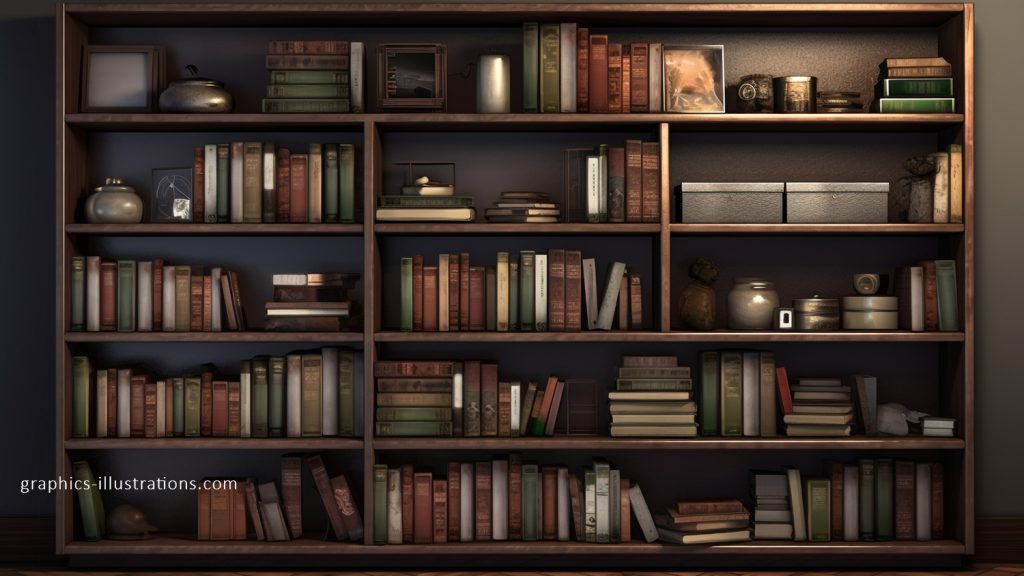
- Classic Wooden Bookshelves – Timeless, cozy, and a little Sherlock Holmes-y
- Modern Minimalist Shelves – Sleek, stylish, and clutter-free
- Grand Library Halls – The kind that makes you feel like a university professor
- Cozy Reading Corners – Perfect for virtual book clubs and deep conversations
Whether you want to impress colleagues, add elegance to a virtual event, or just look smarter than you feel, there’s a background for every occasion.
Tip: Use a blur effect on Zoom to add a realistic depth-of-field effect to your library backdrop.



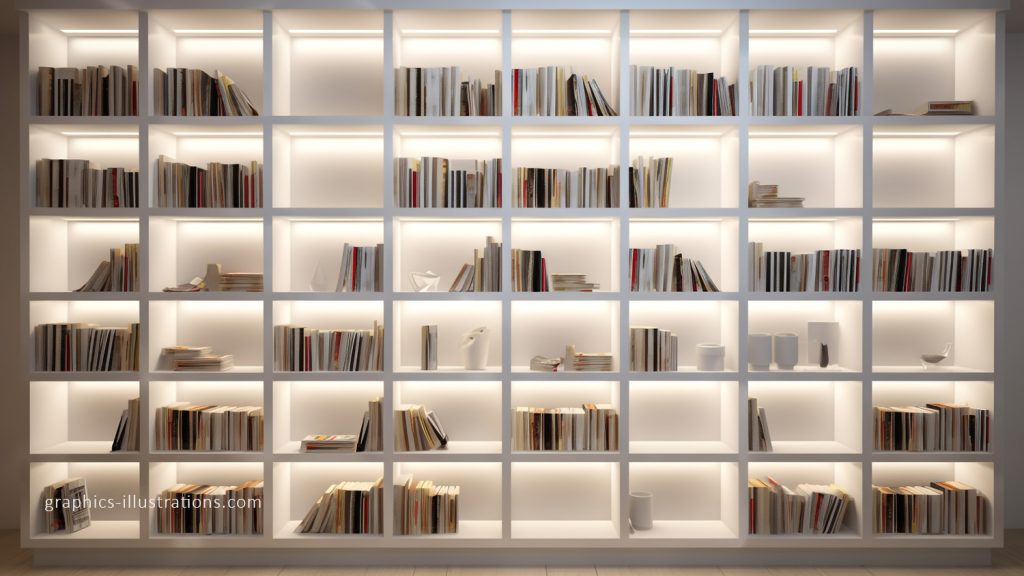


Elevate Your Zoom Experience
Virtual meetings aren’t going anywhere, so why not make them more stylish, fun, and inspiring? With these free library Zoom backgrounds (8 high-resolution images at 1920×1080 pixels), you can curate a space that reflects sophistication, intelligence, and creativity.
So go ahead – surround yourself with books, level up your Zoom presence, and make an unforgettable impression in every virtual meeting!
Download your free library backgrounds now and let your virtual space tell a story of its own!
Prefer a cleaner style? Try my Scandinavian Zoom Backgrounds. Want something warmer? Explore Afrohemian Zoom Backgrounds.