This CapCut review is based on real use — not features, not hype, just what actually works when you’re creating content every day.
CapCut is fast, simple, and powerful enough for real-world content creation. If you want to edit videos without wasting time, it’s one of the best tools available today.
Table of Contents
I’ll be honest — I don’t have patience for slow tools.
As a photographer and someone who constantly creates videos (especially for YouTube), I need something that just works. No drama. No 10-step exports. No “why is this button hidden in a cave” moments.
That’s exactly why I’ve been using CapCut for years — pretty much since its early days.
And yes… I still use it.
Why I Started Using CapCut (and Never Really Stopped)
At first, I didn’t expect much.
CapCut felt like “just another mobile editing app.” But then I noticed something important:
- It was fast
- It didn’t crash
- It didn’t overcomplicate things
And over time, it evolved into something much more serious — a real editing tool that I now use both on:
- desktop
- mobile
- quick edits between shoots
That flexibility alone is gold.
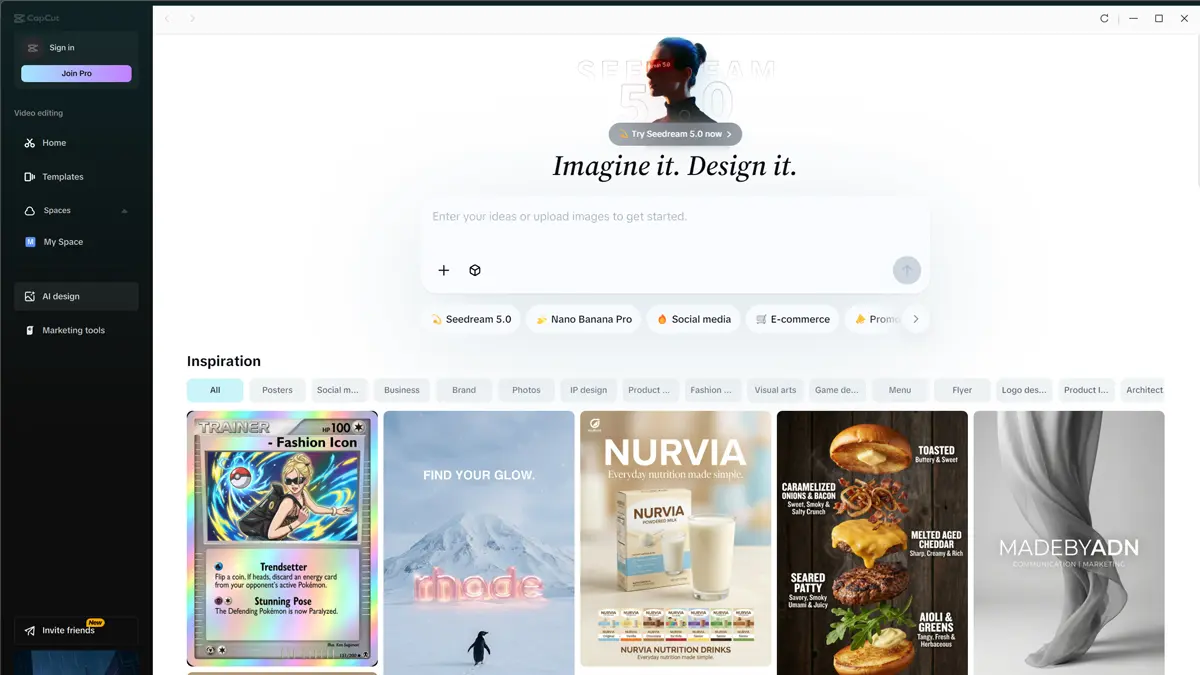
My Real Workflow (No Theory, Just What I Actually Do)
This is how I use CapCut in real life:
1. Quick YouTube edits
I often record driving videos (you’ve seen those 😄), and CapCut is perfect for:
- trimming clips fast
- adjusting exposure/colors
- adding simple transitions
- exporting quickly in 4K
No need to open heavy software. If you want to try this kind of workflow, you can test CapCut here
What You Can Create in 30 Seconds with CapCut
I created this short using CapCut — a quick example of how easy it is to turn simple visuals into something scroll-stopping.
You can download the same iPhone rose backgrounds I used and try it yourself.
Download the backgrounds and recreate this look in minutes.
You don’t need editing skills to get this result. This CapCut short shows how simple templates and backgrounds can instantly improve your video content.
Download the exact backgrounds I used in this video (free)
I edited this video in CapCut — you can try it here
2. Mobile editing (this is the killer feature)
Sometimes I don’t even touch my computer.
I edit directly on my phone:
- cut clips
- add text
- export
- upload
Done.
That’s something tools like Premiere or DaVinci simply don’t compete with.
3. Fast social content
For:
- YouTube Shorts
- quick promo videos
CapCut is ridiculously efficient.
It’s not trying to be “cinematic Hollywood software.”
It’s trying to be useful — and it succeeds.
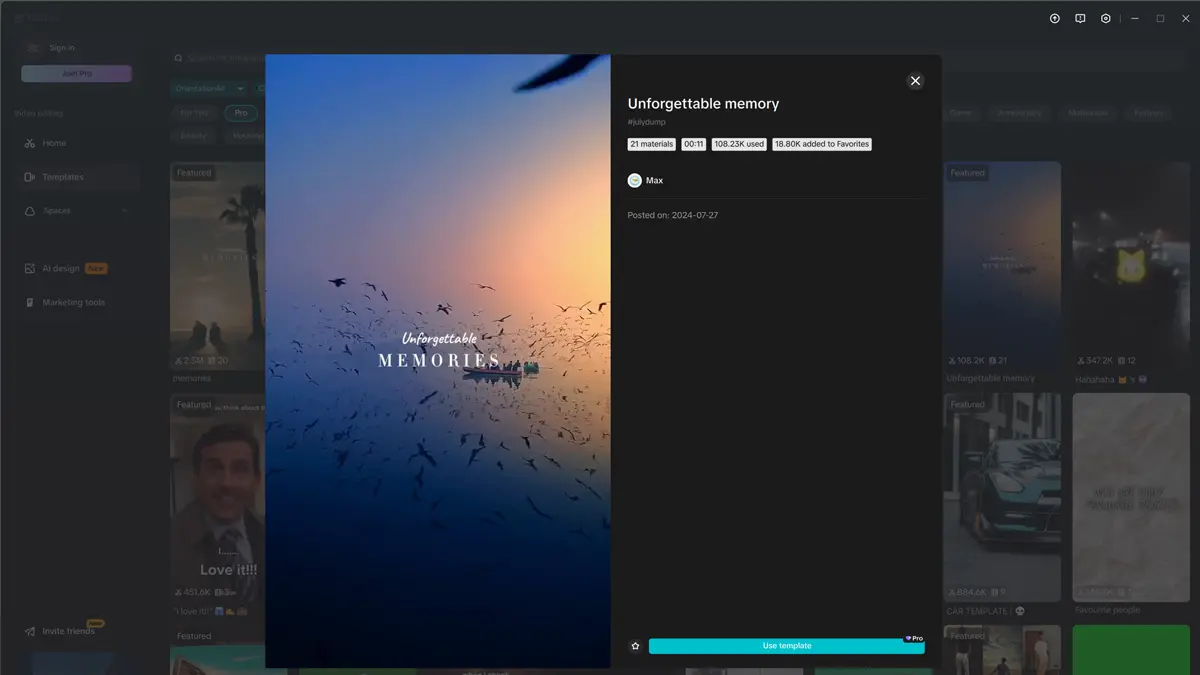
What I Love About CapCut
Speed
This is the biggest one.
You don’t wait.
You don’t fight the software.
You just edit.
Works everywhere
- Desktop → when I want control
- Mobile → when I want speed
Switching between devices is seamless.
Clean interface
No nonsense.
Everything is where you expect it.
Unlike some tools that feel like airplane cockpits.
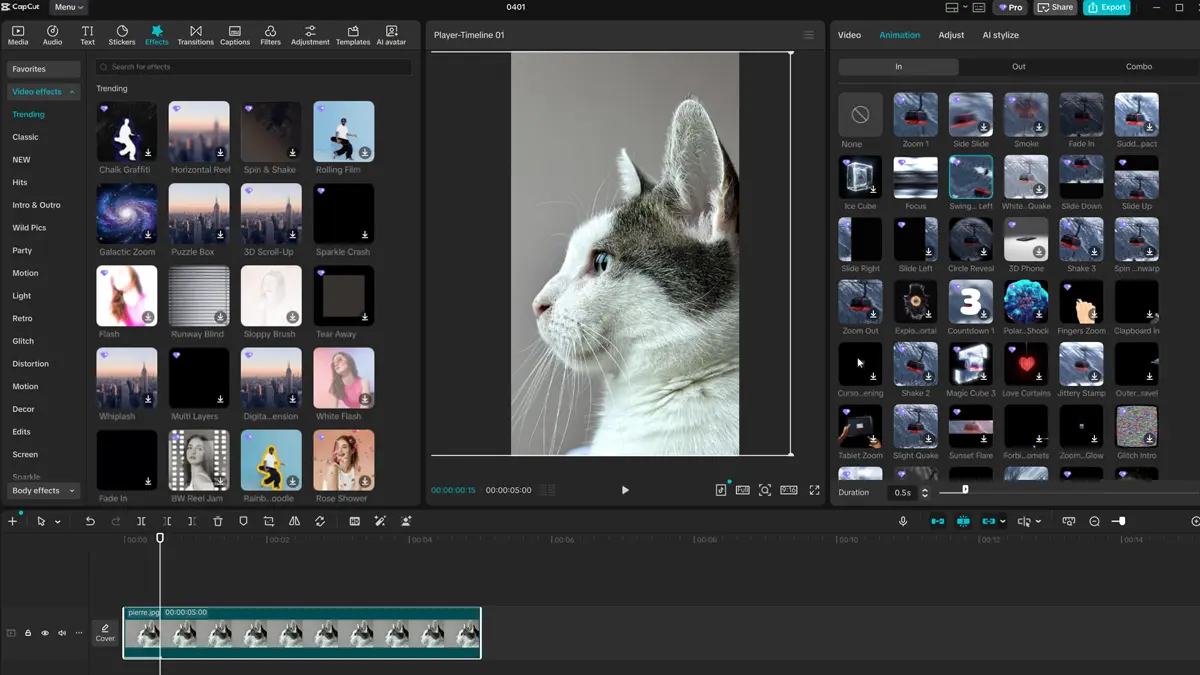
Surprisingly powerful
For something that looks simple, you get:
- keyframes
- effects
- text animation
- AI tools
- auto captions
More than enough for 90% of creators.
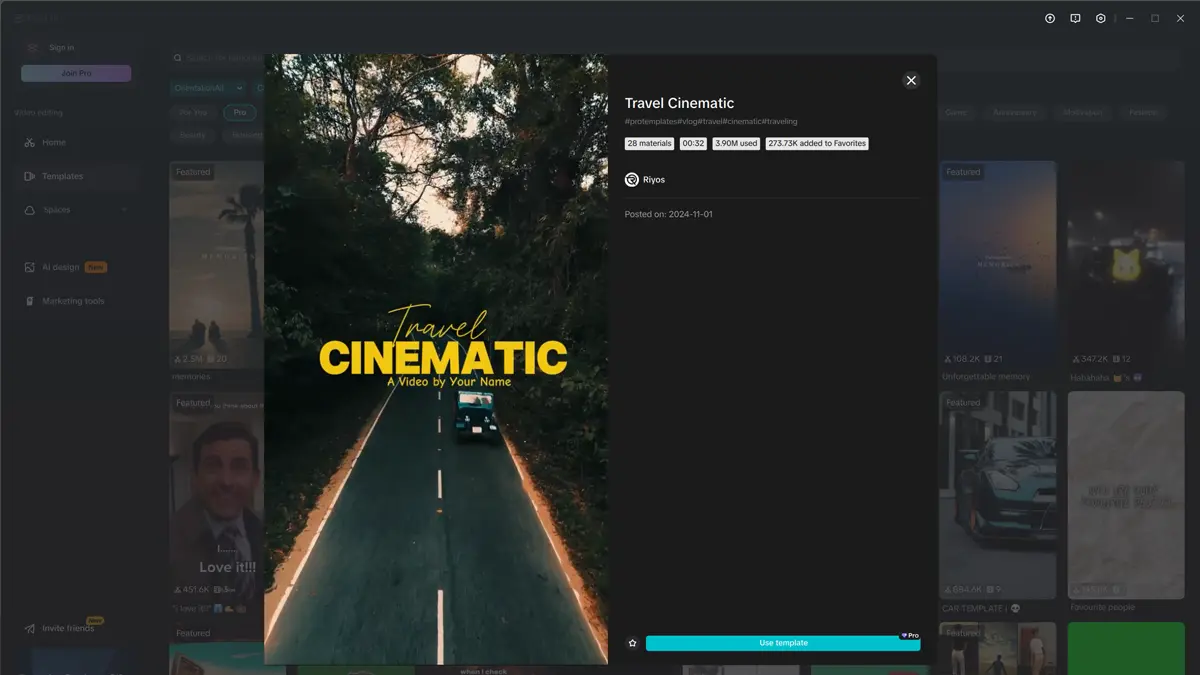
What I Don’t Love (because nothing is perfect)
Let’s be real.
It’s not Premiere Pro
If you’re doing:
- complex color grading
- multi-layer cinematic edits
- advanced audio work
You’ll feel the limits.
Some features are locked behind Pro
But honestly?
For most use cases — the free version is already very strong.
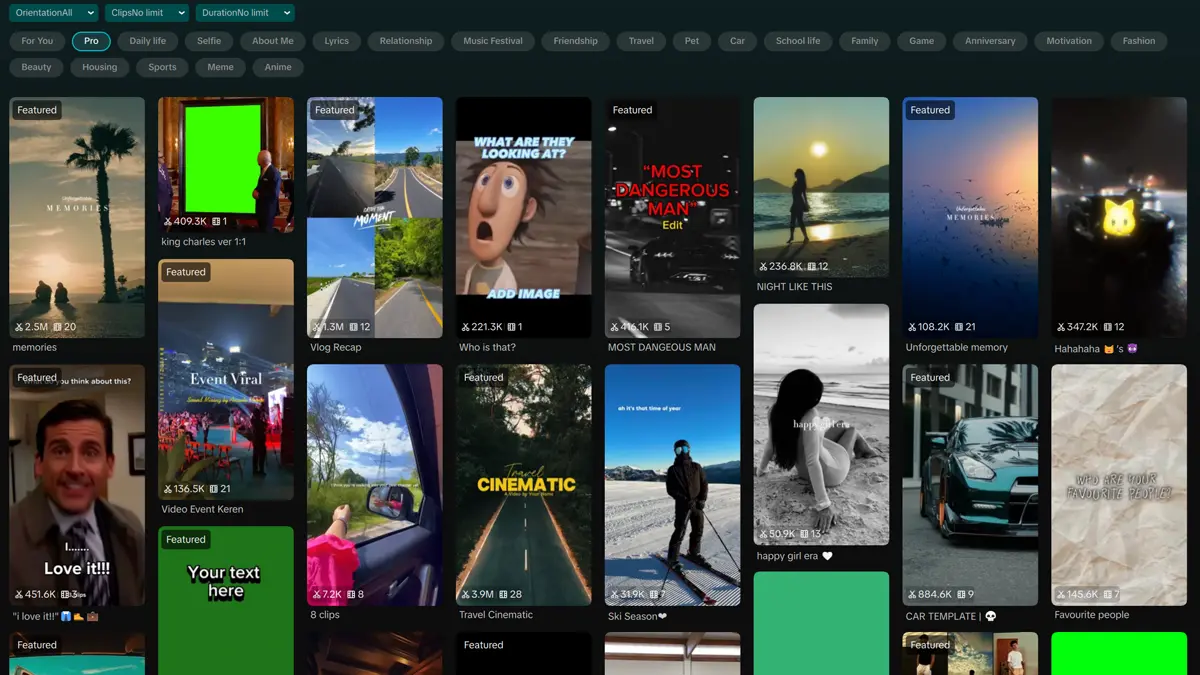
Why I Still Use CapCut (Even After Trying Everything Else)
I’ve tested:
- Photoshop workflows
- Lightroom video adjustments
- Luminar
- other editors
And yet…
I keep coming back to CapCut.
Why?
Because it saves time.
And time = money.
Especially in your case, where you’re:
- shooting
- traveling
- editing
- publishing
You don’t need another complex tool.
You need something that moves as fast as you do.
CapCut for Photographers (Underrated Use Case)
This is something most people miss.
CapCut is great for:
- turning photos into short videos
- creating quick promo clips for clients
- social media teasers
- You can literally:
- take your hotel shoot
- drop photos into CapCut
- export a reel in minutes
That’s an extra product you can sell.
Is CapCut Worth It?
Short answer:
Yes — if you value speed over complexity.
Long answer:
CapCut is not trying to replace high-end editing software.
It’s trying to make video creation:
- faster
- simpler
- accessible
And it absolutely delivers.
Try CapCut Pro (Affiliate)
Try CapCut Pro (free trial — takes 2 minutes to test)
They often offer a free trial, so you can see if the Pro features are worth it for your workflow.
If a tool saves you even 30 minutes per project, it pays for itself very quickly. Or start with the free version — it’s already more than enough for most people.
My Honest Opinion
CapCut is one of those tools that doesn’t try to impress you — it just quietly makes your life easier.
And those are the tools that actually win.