Table of Contents
Let me guess.
You opened your laptop to do one simple task…
and now you have:
- 17 browser tabs open
- three random notes
- one half-finished idea
- two forgotten deadlines
- and absolutely no clue where to start
Modern life is not short on information. It’s short on structure.
That’s exactly where GitMind comes in.
I explored GitMind to see if it’s just another shiny AI tool—or something genuinely useful. And honestly? It’s one of those tools that solves a very real problem people rarely talk about:
Mental clutter.
If your ideas are messy, your workflow becomes messy too.
GitMind helps turn chaos into something clear, visual, and actionable.
What Is GitMind?
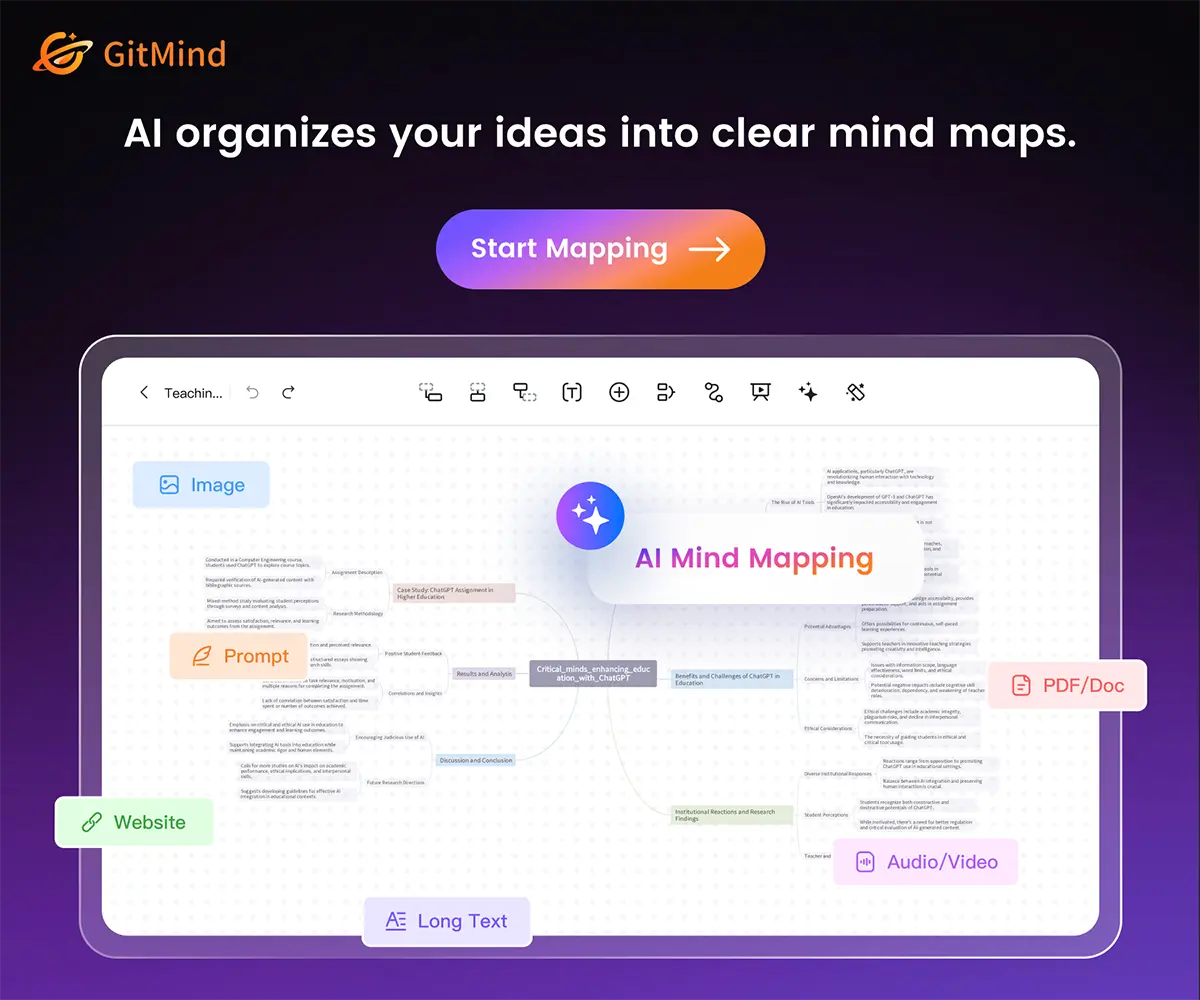
GitMind is an AI-powered visual thinking platform built for:
- mind maps
- flowcharts
- diagrams
- project planning
- note organization
- brainstorming
- study systems
- presentations
- knowledge management
In plain English:
It helps you see your thoughts instead of drowning in them.
Instead of writing long boring lists, GitMind lets you connect ideas visually. That matters more than many people realize.
Because the brain often understands relationships faster than paragraphs.
Want to try GitMind now? Explore it here.
Why People Use GitMind
Different people need different things. GitMind works because it solves multiple everyday problems.
1. “I Have Too Many Ideas”
Creative people know this pain.
Ideas arrive fast. Notes become messy. You forget the good ones.
If you’re anything like me, new ideas pop into your head daily—sometimes faster than you can write them down. One becomes five, five become fifteen, and suddenly it feels like your own brain opened too many tabs. At that point, it’s easy to lose track of the best ones.
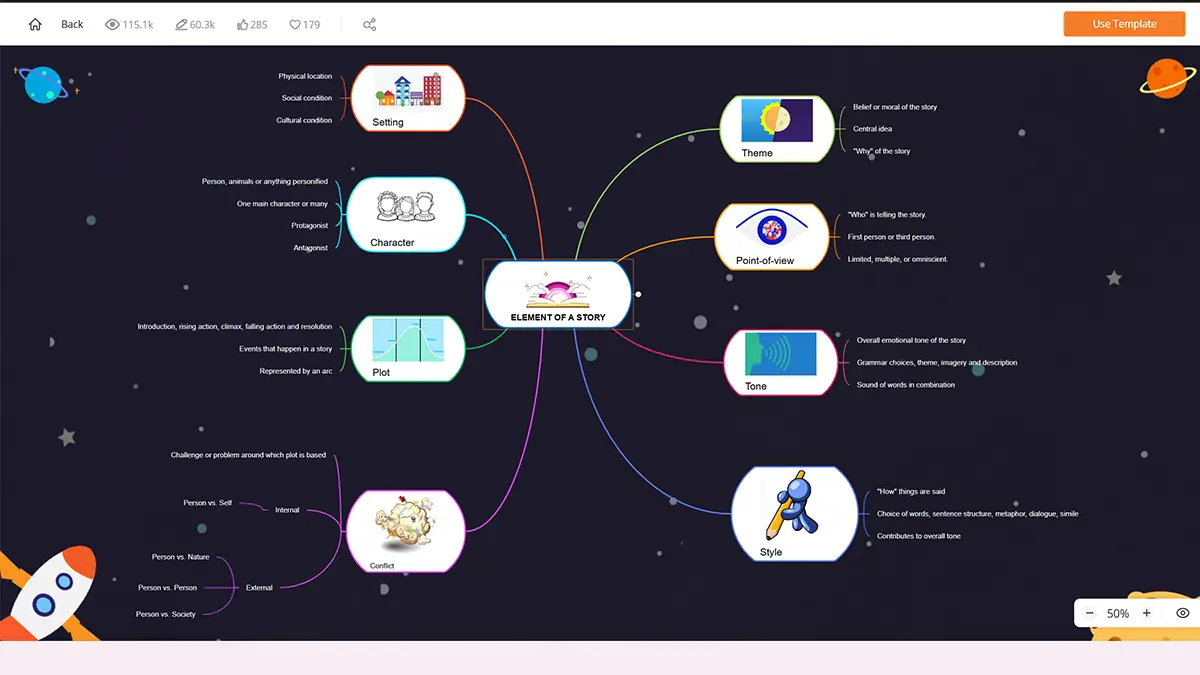
With GitMind, you can build idea trees, connect concepts, and expand thoughts without losing direction.
Perfect for:
- writers
- designers
- marketers
- entrepreneurs
- content creators
- photographers planning projects
2. “I Need to Study Faster”
Students often waste time rewriting notes badly.
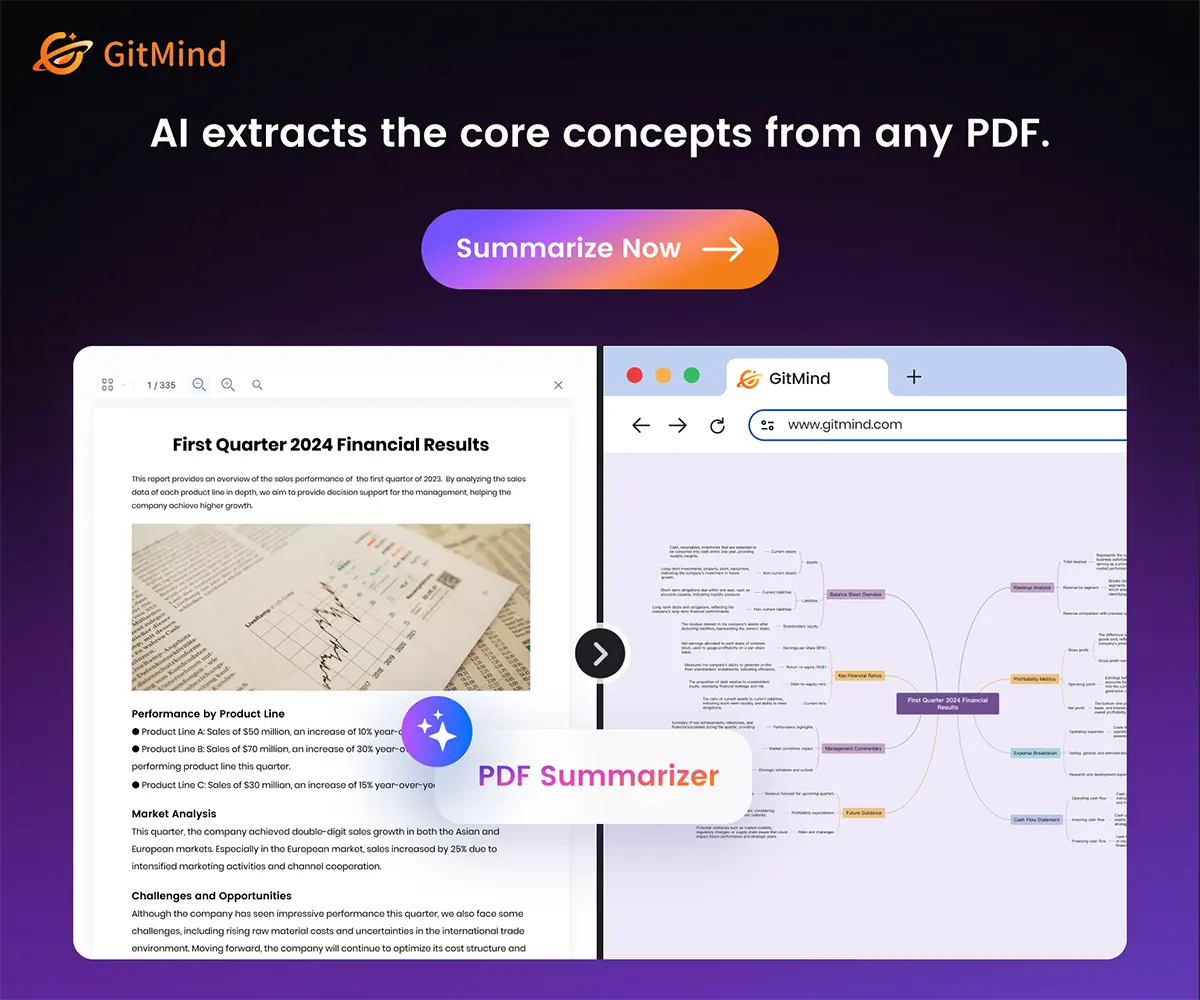
A smart mind map can compress a chapter into one visual page.
Instead of rereading 20 pages, you review one clean structure.
I also love learning, and not just one thing. I’m learning Dutch, keeping up with new SEO, always exploring photography and graphic design, and then wandering into topics like permaculture, DIY upcycling, furniture restoration, and vegetarian cooking. In other words: a wonderfully chaotic library of interests. When you learn across many subjects, having one clear visual system becomes incredibly useful.
That can help with:
- exams
- language learning
- history timelines
- science concepts
- essay planning
- memory retention
And yes—visual learning often works better than passive reading.
3. “My Projects Feel Overwhelming”
Big tasks become easier when broken into parts.
I know that feeling well. I’m managing four websites of my own across different topics, handling social media, communicating with clients, delivering paid work, and somehow still trying to create my own projects too—like laser cutting, t-shirt printing, publishing photo books and printing artwork. When everything matters at once, even simple tasks can start to feel huge.
GitMind helps you turn:
Launch website
into:
- design homepage
- write content
- SEO setup
- analytics
- images
- testing
- publish
- promotion
Now your giant scary task becomes a roadmap.
That psychological shift matters.
Why GitMind Feels Useful (Not Just Fancy)
Many AI tools feel impressive for five minutes and useless on day two.
GitMind feels different because it mixes AI speed + practical structure.
That’s the sweet spot.
AI Can Help You Generate
Need ideas? Ask AI.
Need summaries? Use AI.
Need structure from messy notes? Use AI.
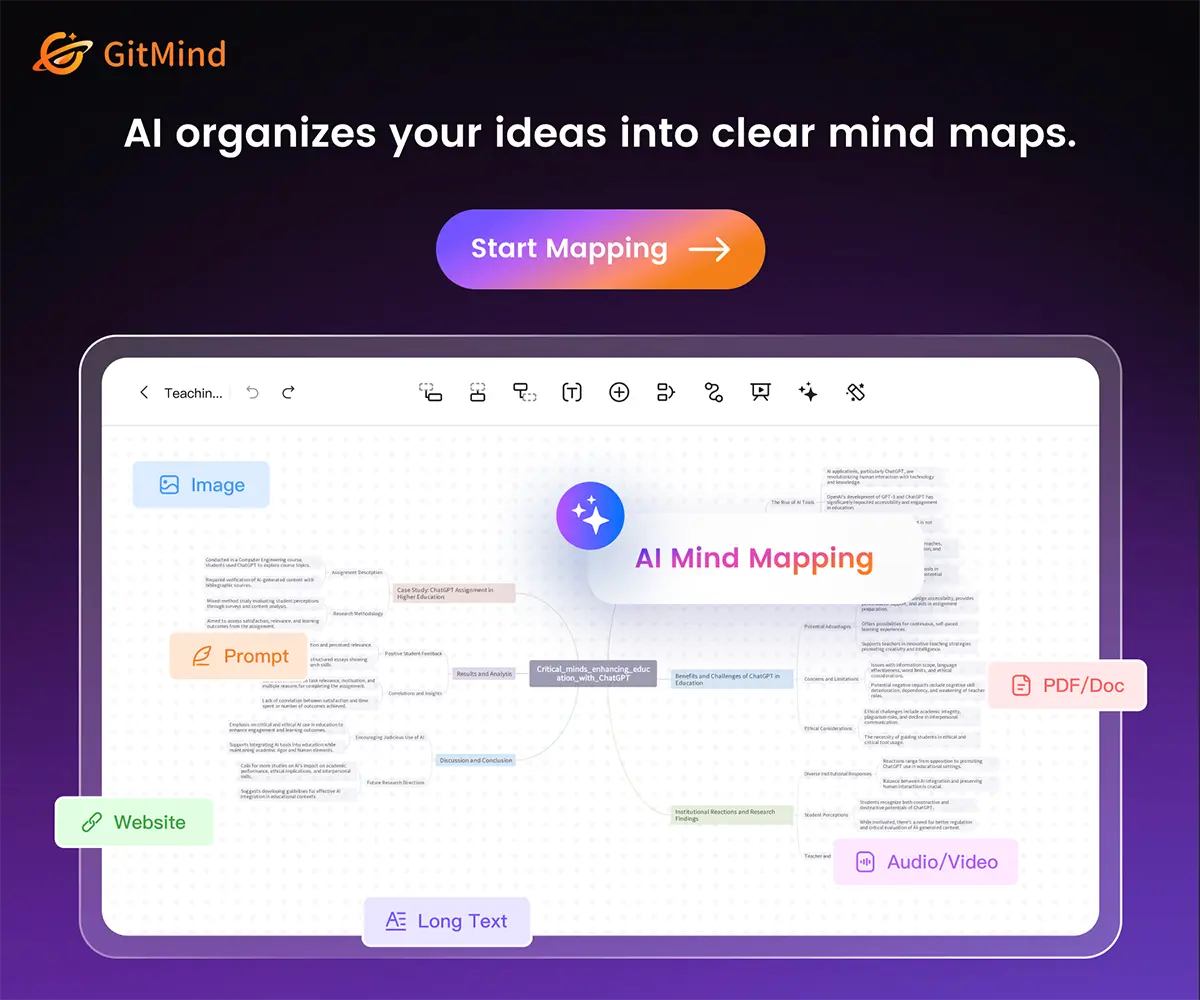
Need a first draft mind map from a topic? Use AI.
Instead of staring at a blank page, you start with momentum.
You Stay in Control
Good tools don’t replace thinking. They support thinking.
GitMind still lets you edit, rearrange, expand, simplify, and personalize everything.
That’s important.
Because auto-generated nonsense is not productivity.
Useful structure is.
Can GitMind Save Time?
Short answer:
Yes—if thinking and organizing are part of your work.
That includes almost everyone.
Where It Saves Time:
Brainstorming
Instead of random sticky notes everywhere.
Planning
Instead of starting over each time.
Meetings
Clear notes and action paths.
Learning
Faster review systems.
Writing
Outline before drafting.
Teams
Everyone sees the same structure.
Decision Making
Compare options visually.
Can It Help You Learn Faster?
Often, yes.
Why?
Because learning is not just reading. It’s organizing information into meaning.
GitMind can help you:
- chunk complex ideas
- connect concepts
- spot gaps in understanding
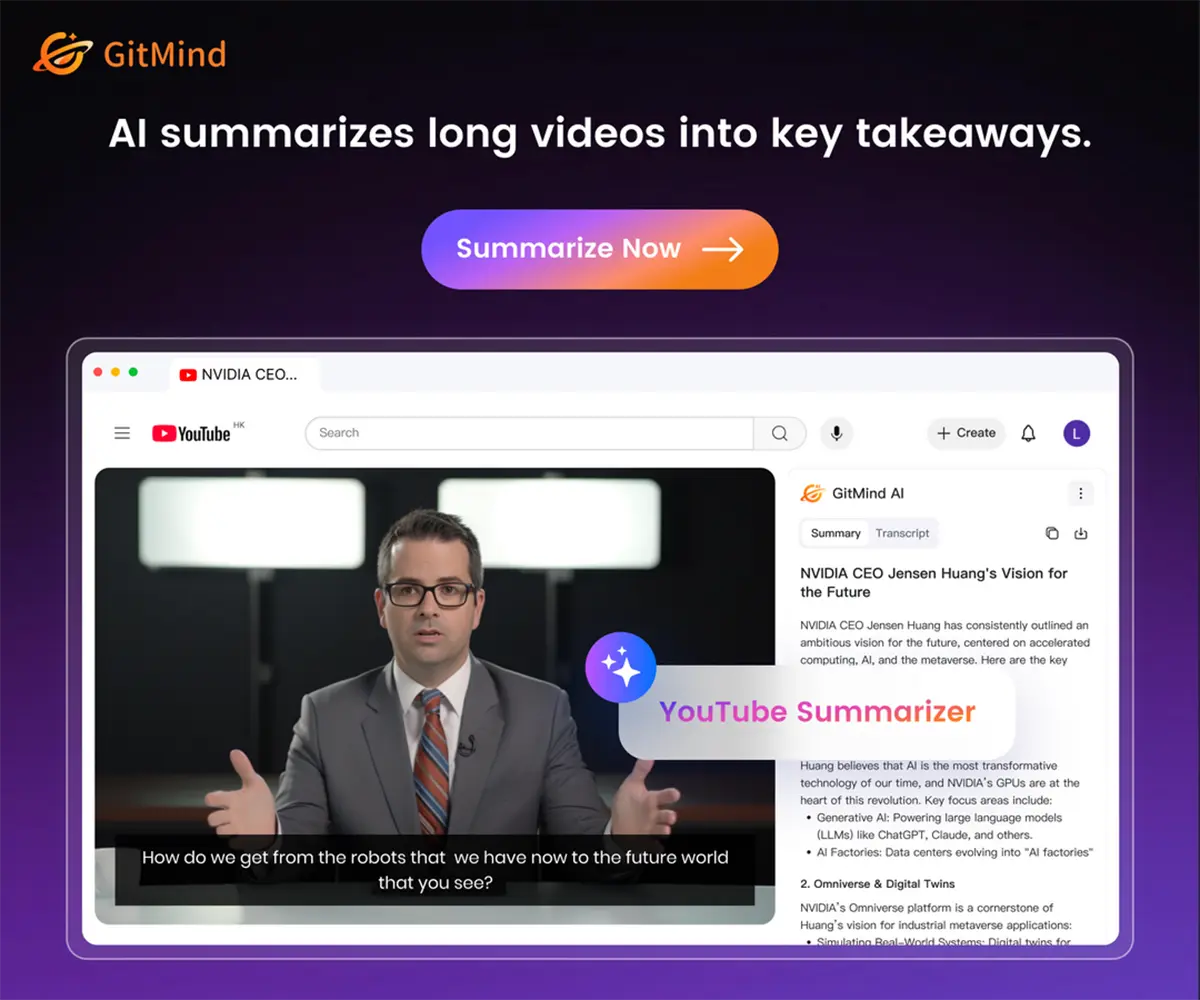
- summarize lessons
- revise visually
- remember structures more easily
That’s far more useful than highlighting half a textbook in yellow like a stressed banana.
Is GitMind Worth Paying For?
That depends on one question:
What Does Your Confusion Cost You?
If you lose:
- hours searching notes
- time planning badly
- momentum from overwhelm
- forgotten ideas
- messy workflows
- repeated mistakes
…then paying for a tool that reduces friction can be worth it quickly.
If GitMind saves even 30 minutes per week, that adds up fast.
If it saves you one delayed project, one missed deadline, or one ruined brainstorm… even more.
Who Should Use GitMind?
Excellent For:
- students
- teachers
- freelancers
- business owners
- remote teams
- marketers
- writers
- content creators
- researchers
- project managers
- visual thinkers
- ADHD brains needing structure
- anyone with too many tabs open mentally
Maybe Not Necessary For:
- people who only need plain notes
- users who never plan visually
- those who prefer pen and paper for everything
Though even pen-and-paper lovers may secretly enjoy it.
What Makes GitMind Stand Out?
There are many diagram tools. Many note tools. Many AI tools.
GitMind stands out because it combines:
- AI assistance
- visual clarity
- templates
- cross-device access
- collaboration
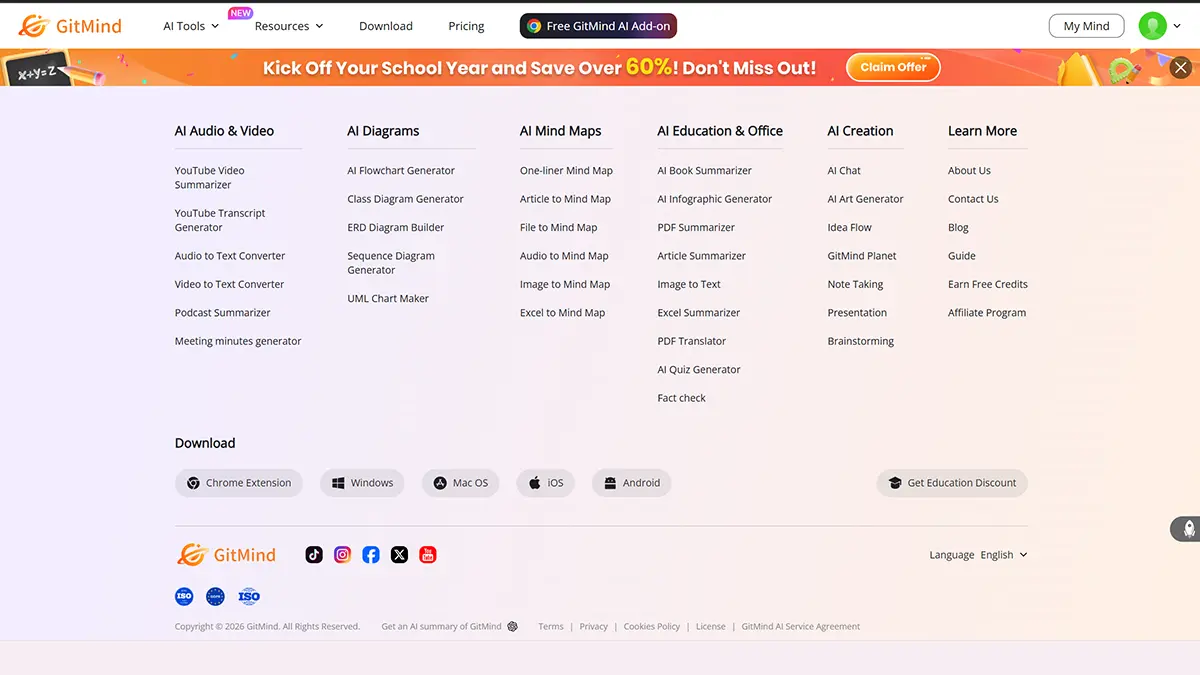
- multiple diagram types
- fast idea capture
- simple interface
That combination matters more than any single feature.
Real Life Examples
For a Blogger
Plan:
- article topic
- keyword ideas
- headings
- internal links
- call to action
- promotion plan
For a Student
Summarize:
- chapter themes
- key dates
- formulas
- relationships
- exam checklist
For a Business Owner
Build:
- content calendar
- launch roadmap
- workflow system
- team responsibilities
- strategy map
For Creative Work
Organize:
- moodboards
- campaign concepts
- project steps
- visual directions
My Honest Opinion
GitMind is not magic.
It will not do your work while you eat snacks dramatically on the sofa.
But it can remove friction.
And friction is often the real enemy.
Not laziness.
Not lack of talent.
Not lack of intelligence.
Just messy systems.
When your thinking becomes clearer, your work often becomes faster too.
That’s why tools like this matter.
Final Thoughts: Your Brain Deserves Better Than Random Notes
If your current system is:
- scattered notes
- forgotten ideas
- chaotic planning
- endless tabs
- stress before starting
…GitMind is worth trying.
Because sometimes the biggest productivity upgrade is not working harder.
It’s thinking more clearly.
If your ideas feel scattered, GitMind might be the upgrade your workflow needs.